FarrosFR

Back

credit: TryHackMecredit: TryHackMe

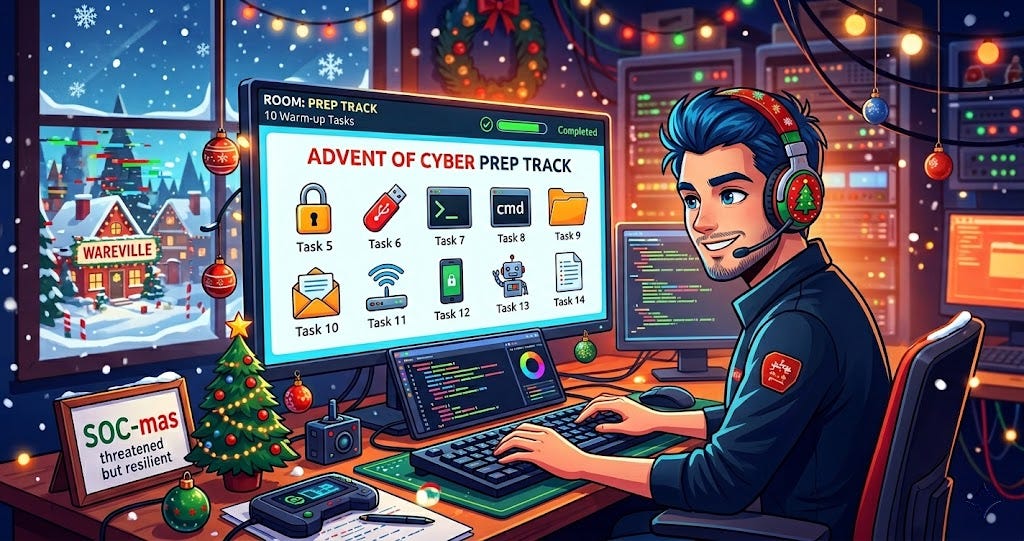
Here i want to share about my write-up for the room Advent of Cyber Prep Track. Get ready for the Advent of Cyber 2025 with the “Advent of Cyber Prep Track”, a series of warm-up tasks aimed to get beginners ready for this year’s event.

Task 1: Welcome to Advent of Cyber 2025#

This task introduces the Advent of Cyber 2025 event. The story is set in Wareville, where the “SOC-mas” tradition is threatened by King Malhare. The event features daily beginner-friendly security challenges. Participants can win from a $150,000 prize pool (including MacBooks, iPhones, and Flipper Zeros) by completing rooms by December 31, 2025. Strict rules prohibit cheating, bot usage, and attacking other users or infrastructure. A certificate is awarded for completing all rooms.

Got it!

No answer needed


Task 2: How to use TryHackMe#

This section explains the technical interface of TryHackMe. It details how to use the “AttackBox” (a web-based Ubuntu VM) and how to deploy standard Virtual Machines (VMs) for tasks. It covers the split-screen view feature, direct links for specific tools, and alternative connection methods using OpenVPN or direct remote connections (RDP/SSH/VNC) when credentials are provided.

Got it!

No answer needed


Task 3: Join our community#

This task encourages participants to join the TryHackMe social channels for updates and support. It highlights the Discord server (with over 326,000 members) as the main hub for connecting with other hackers and getting help. Links are provided for LinkedIn, X (Twitter), Instagram, Facebook, Reddit, and TikTok. It also mentions available Advent of Cyber swag.

Got it!

No answer needed


Task 4: Introduction#

The narrative begins with snow falling in Wareville at The Best Festival Company (TBFC). Systems are glitching due to suspected interference by King Malhare. Before the main event starts, users are tasked with 10 short “warm-up” missions to practice essential cybersecurity skills. The interface instruction explains how to use the “View Site” button to open challenges in split-screen.

Warm me up!

No answer needed


Task 5: Challenge 1 — Password Pandemonium#

McSkidy’s workstation has flagged weak passwords. This challenge focuses on the importance of strong passwords as a defense mechanism. The objective is to create a secure password that meets specific criteria: at least 12 characters, including uppercase, lowercase, numbers, and symbols, and ensuring it does not appear in a breach database.

What’s the flag?

alt text

THM(REDACTED)


Task 6: Challenge 2 — The Suspicious Chocolate.exe#

A mysterious USB labeled “SOCMAS Party Playlist” contains a suspicious file named chocolate.exe. This task simulates using a malware analysis tool (like VirusTotal). The user must scan the file to review its report and determine if it is safe or malicious based on the scan results.

What’s the flag?

alt text

THM(REDACTED)


Task 7: Challenge 3 — Welcome to the AttackBox#

This task introduces the AttackBox environment and the command line interface (CLI). It emphasizes that defenders must be comfortable with the CLI. The objective is to use basic Linux commands: ls to list files, cd to navigate directories, and cat to read a text file named welcome.txt to find the hidden message.

What’s the flag?

alt text

THM(REDACTED)


Task 8: Challenge 4 — The CMD Conundrum#

McSkidy’s workstation shows signs of tampering with logs wiped and strange folders created. The task focuses on using the Windows Command Prompt to investigate. The user is required to use the dir command to list files and specifically dir /a to reveal hidden files, then use type to read the content of a hidden flag file.

What’s the flag?

alt text

THM(REDACTED)


Task 9: Challenge 5 — Linux Lore#

Delivery drones are glitching, and an investigation points to a login from a Linux server. This challenge highlights the importance of navigating Linux filesystems. The objective is to find a hidden message in McSkidy’s home directory by entering the folder and using ls -la to reveal hidden “dotfiles” (like .secret_message).

What’s the flag?

alt text

THM(REDACTED)


Task 10: Challenge 6 — The Leak in the List#

There are rumors of a data leak at TBFC. This task simulates using a breach checking tool (similar to Have I Been Pwned). The objective is to check McSkidy’s email address (mcskidy@tbfc.com) against a database to see if the account has been compromised in any known data breaches.

What’s the flag?

alt text

THM(REDACTED)


Task 11: Challenge 7 — WiFi Woes in Wareville#

Drones are behaving erratically because someone logged into the company router using default credentials. This task emphasizes the security risk of leaving default passwords active. The user must log into the router using admin/admin, navigate to security settings, and update the password to a secure one.

What’s the flag?

alt text

THM(REDACTED)


Task 12: Challenge 8 — The App Trap#

McSkidy’s social account is posting strange messages due to a suspicious third-party application. The task teaches how to manage and review app permissions to prevent data leaks. The objective is to identify a connected app with excessive permissions (such as access to a password vault) and revoke its access.

What’s the flag?

alt text

THM(REDACTED)


Task 13: Challenge 9 — The Chatbot Confession#

The AI assistant, FestiveBot, has been leaking internal secrets. This task focuses on the risks of AI oversharing sensitive data. The user must review the chatbot’s conversation history to identify specific lines where the bot revealed private information, such as internal URLs or passwords.

What’s the flag?

alt text

THM(REDACTED)


Task 14: Challenge 10 — The Bunny’s Browser Trail#

Web servers are experiencing heavy traffic with a suspicious log entry. This task introduces log analysis and “User Agent” strings. The user needs to review HTTP logs to distinguish between standard browser traffic (Chrome, Firefox, Edge) and identifying a suspicious entry coming from “BunnyOS”.

What’s the flag?

alt text

THM(REDACTED)


Task 15: The Finish Line#

This final task wraps up the Prep Track. It confirms that the user has completed the warm-up challenges, covering topics from Linux CLI to Prompt Injection. The user is now familiar with the key tools needed for the main event and is ready to participate in Advent of Cyber 2025 to help save SOC-mas.

Bring on Advent of Cyber 2025!

No answer needed

Advent of Cyber Prep Track | TryHackMe Write-Up
https://farrosfr.com/blog/advent-of-cyber-prep-track-tryhackme-write-up
Author Mochammad Farros Fatchur Roji
Published at December 20, 2025